
Which AI Should You Use in 2026? A Survival Guide
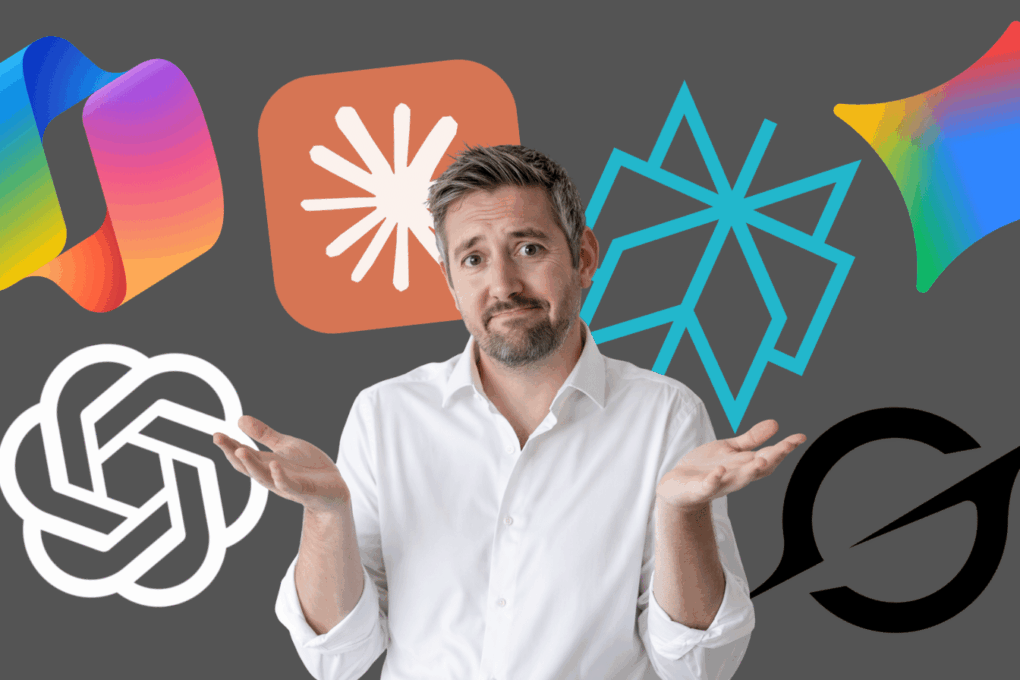
Short answer: All of them.
Long answer: Fine, here’s why you’ll end up using all of them anyway, despite your best intentions to stick with just one.
ChatGPT: The Reliable Mate You Call First
ChatGPT is the friend who’s good at everything without being brilliant at anything. Need a blog post? It’ll write one. Need an image? It’ll generate one. Need creative ideas? It’ll throw fifty at you and three might even be decent.
It’s my go-to because it just… works. Consistently. Predictably. Sometimes a bit too predictably—there’s a certain “ChatGPT tone” that creeps in where everything sounds vaguely inspirational and ends with “So what are you waiting for?”
And yes, it knows a lot about me. Possibly too much. Between custom instructions, memory features, and our extensive chat history, ChatGPT probably knows my business better than some of my actual business partners. Which is either helpful or mildly unsettling, depending on the day.
Best for: Daily tasks, creative output, being a pleasant conversationalist who never tells you your ideas are terrible (even when they are).
Watch out for: The tendency to make things up with confidence. It’s like that friend who’ll give you directions to a restaurant that closed three years ago.
Claude: The Clever One Who Exhausts Their Limits Immediately
Claude is brilliant. Genuinely brilliant. Especially for coding and analysing long documents. It thinks carefully, writes thoughtfully, and generally makes you feel like you’re working with someone who actually considered your question.
The catch? The usage limits are absurdly short. You’ll be mid-conversation, really getting somewhere, and suddenly: “You’ve reached your limit.” It’s like having a brilliant consultant who can only work Tuesday mornings.
Best for: Complex analysis, coding, detailed work that requires nuance and won’t trigger the dreaded limit message.
Watch out for: Running out of messages exactly when you need one more answer. Every. Single. Time.
Google Gemini: The Kid Who Finally Showed Up
Gemini used to be that student who sat at the back and did the bare minimum. But recently? It’s jumped forward. The new models are actually good. Image analysis works well. The suggestions are helpful rather than patronising.
If you’re already living in Google’s ecosystem (Gmail, Docs, Drive), Gemini just slides in naturally. It’s there when you need it without demanding you learn a new interface.
Best for: Working inside Google Workspace, multimodal tasks, people who appreciate steady improvement.
Watch out for: The fact that Google has a history of launching things brilliantly and then… sort of forgetting about them. Cross your fingers this isn’t one of those.
Microsoft Copilot: The Colleague You’re Polite To
Look, Copilot is fine. It does things. It exists.
If you’re completely embedded in the Microsoft ecosystem—Word, Excel, PowerPoint, Outlook, Teams, presumably a Windows tattoo—then Copilot makes sense. It’ll help with your documents and spreadsheets and meetings.
But outside that world? It’s a bit… mehhhh. Which is the technical term for “functional but uninspiring.”
Best for: People who live in Microsoft 365 and don’t ask questions.
Watch out for: The distinct possibility you’ll forget it exists unless Excel reminds you.
Grok: The One That Scares Me
I don’t use Grok.
Grok scares me.
It’s integrated into X (Twitter), it’s opinionated, it’s designed for “real-time” responses which sounds helpful until you realise that means it’s learning from… X. The platform where nuance goes to die and everyone’s confidently wrong about everything.
Maybe it’s brilliant for following live news and social media trends. Maybe it’s perfect if you want an AI with “personality.” Maybe I’m just old-fashioned in thinking my AI assistant shouldn’t have hot takes.
Best for: X power users who want AI that matches the platform’s energy.
Watch out for: Everything. Just… everything.
Perplexity: The Research Nerd You Actually Need
Perplexity is excellent at one thing: getting you verified information with sources. Actual sources. With links. That you can check.
When you need facts, when you need research, when you need to know something is actually true and not just confidently hallucinated—Perplexity delivers.
My workflow? Use Perplexity to gather information. Copy the facts. Paste them into ChatGPT and ask it to rewrite everything in a way that doesn’t sound like a Wikipedia article had a baby with a research paper.
Best for: Research, fact-checking, anyone who’s been burned by AI making things up before.
Watch out for: The writing being a bit… dry. Accurate, but dry. Which is why we hand it to ChatGPT afterwards.
So Which One Should You Actually Use?
All of them. Because they’re all good at different things, none of them are perfect, and you’ll inevitably find yourself switching between them depending on what you need.
- ChatGPT for everyday tasks and creative work
- Claude for the big thinking (until you hit the limit)
- Gemini if you live in Google’s world
- Copilot if you live in Microsoft’s world and have accepted your fate
- Perplexity when facts actually matter
- Grok when you… no, still not using Grok
The AI tool wars aren’t about finding the “best” one. They’re about building a toolkit where each does what it’s genuinely good at.
Welcome to 2026. You’re about to have six AI assistants and still somehow not enough.
Ready to Learn How to Use These Tools Effectively?
Join How To AI for practical guides on ChatGPT, Claude, Perplexity, and more—with step-by-step workflows that actually work.